A compact, transparent weather widget that lives on your desktop. Monitor up to 5 cities at a glance with a beautiful, always-on-top overlay.
A transparent overlay that blends seamlessly with your desktop
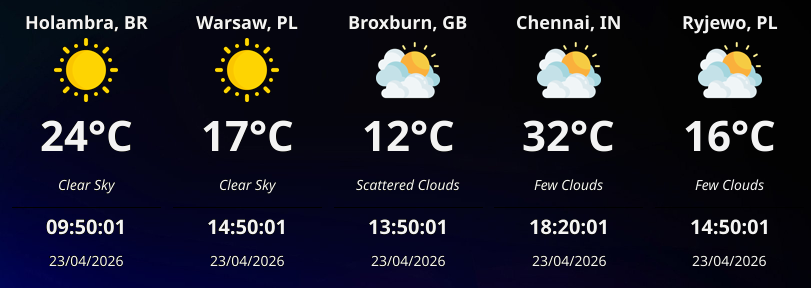
WeatherWidget behaves like a first-class citizen on your OS
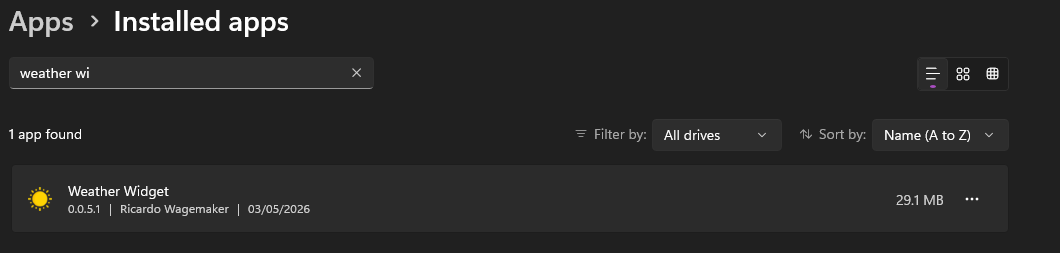
Seamlessly registered in Windows as a native application.
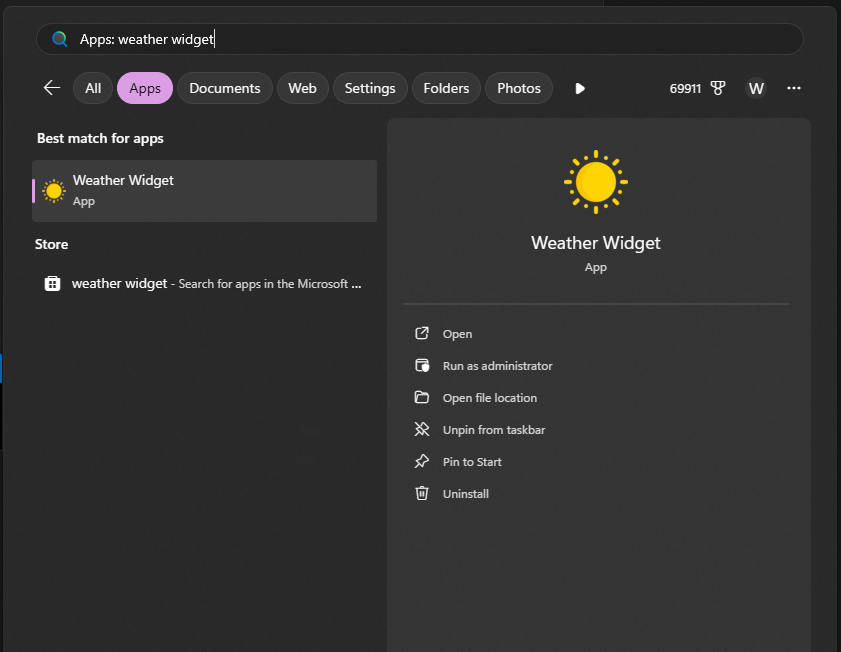
Quick access via Start Menu search and taskbar integration.
Built with care, designed for simplicity
Track weather for up to 5 cities simultaneously, displayed side by side in a compact layout.
A borderless, always-on-top window with adjustable opacity that blends with your desktop.
Built in Go as a single binary. No Electron, no browser engine — just pure performance.
Configurable refresh intervals from 1 to 60 minutes keep your weather data current.
Position the widget in any corner, adjust transparency, and configure your preferred data source.
No telemetry, no tracking, no accounts. Your weather data stays between you and the API.
Limited time offer for new Pro users
We are currently running a special promotion! The next 10 individuals who get the Pro API will have their monthly subscription automatically converted to a Lifetime License.
This allows you to cancel your subscription after the first month and keep your Pro access for life!
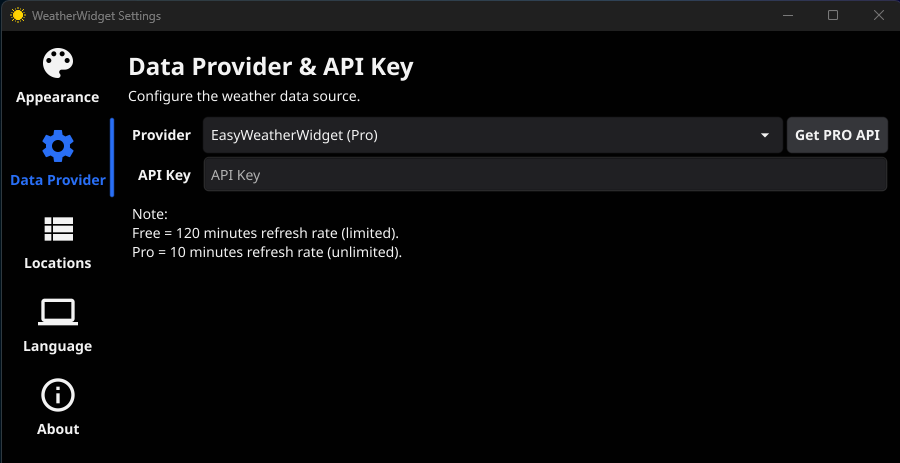
System Tray → WeatherWidget → Settings → Data Provider
The cancellation of the subscription is up to the individual. He/she/they will receive an email stating they now own a lifetime subscription.
Three simple steps to weather and time on your desktop
Get WeatherWidget from the Microsoft Store on Windows, or download the latest .deb package for Ubuntu/Linux.
Add your cities and API key through the built-in settings dialog.
The widget sits on your desktop, always showing the latest weather.
Free, open source, and always will be. Install from the Microsoft Store or build from source.